Arjan Audit
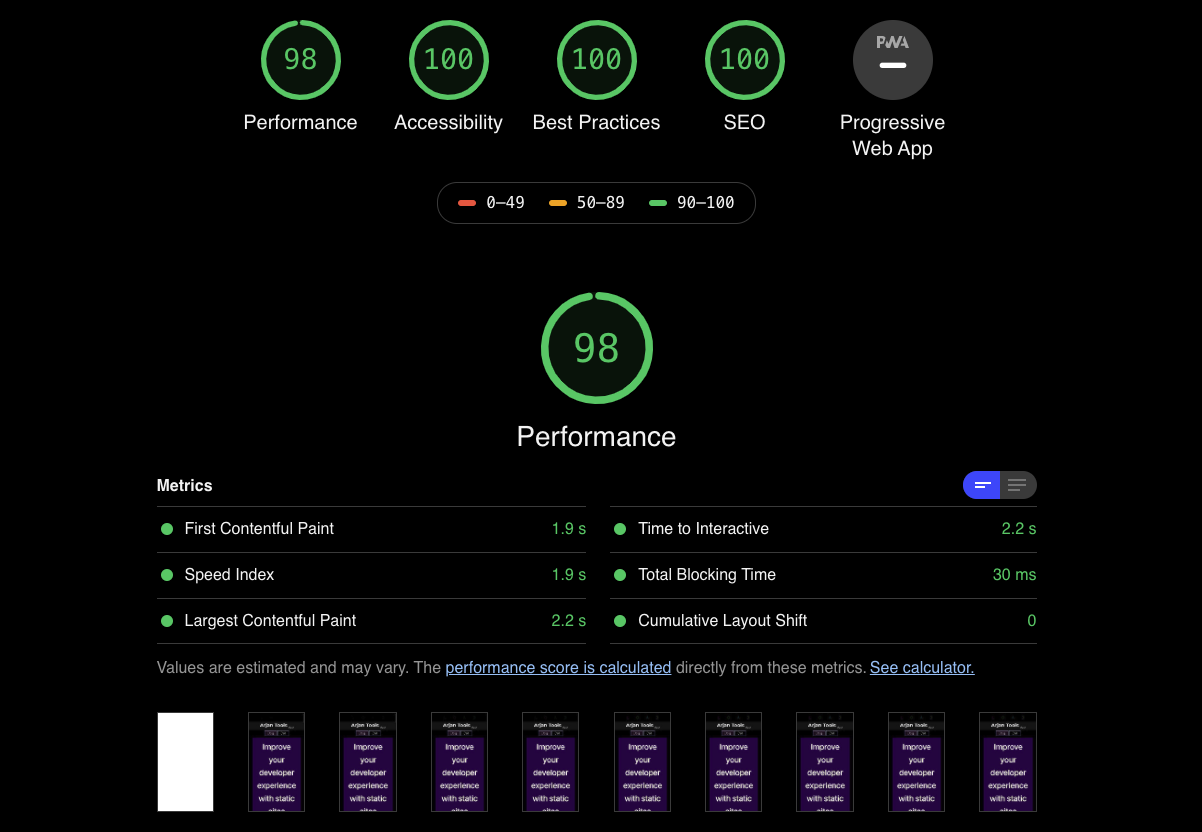
Audit your site pages with Lighthouse 6 in development mode and save the results locally. Await future feature releases to unlock the power of your data!
Get Started DocsAudit your site pages with Lighthouse 6 in development mode and save the results locally. Await future feature releases to unlock the power of your data!
Get Started Docs
Arjan audit uses express to serve your site and Chrome-launcher to start Google Chrome in headless mode and retrieve the audits from Lighthouse 6.
Arjan audit parses the results returned from lighthouse 6 and returns an organized subset with recommendations based on your score and threshold. All the audits are saved locally.